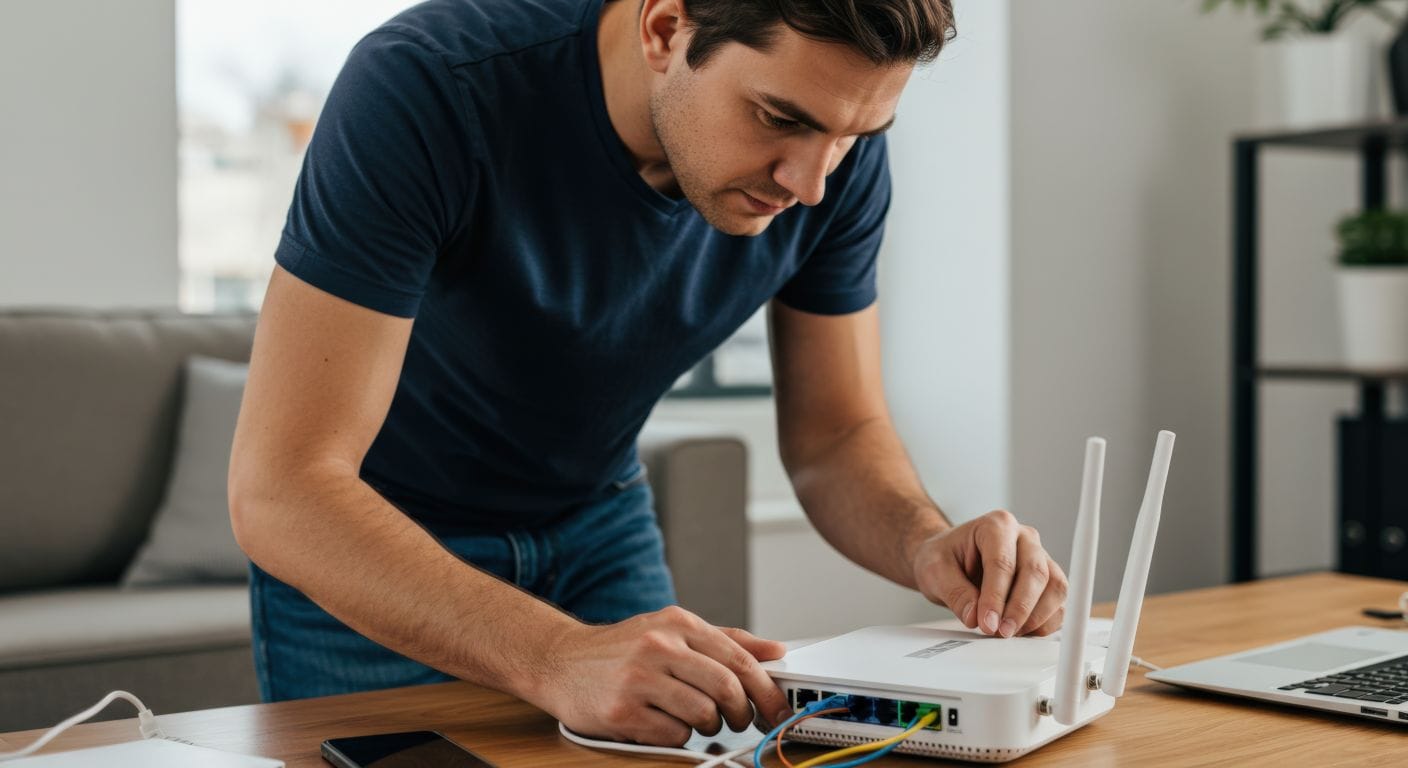
When your internet suddenly slows down, streaming starts buffering, or your Wi-Fi keeps disconnecting, it can be frustrating. Before assuming there is a major problem, we have one simple troubleshooting step that often resolves common connectivity issues: restarting your home network.
At D & P Communications, we recommend restarting your modem and router as the first step whenever you experience internet performance issues. A proper restart only takes a few minutes and can often restore your connection without the need for additional troubleshooting.
Just like computers and smartphones, networking equipment can benefit from an occasional reboot. Your modem and router continuously manage connections between your devices and the internet. Over time, temporary glitches, memory buildup, or connection errors can affect performance.
Restarting your equipment clears temporary issues, refreshes your network connection, and allows your modem and router to establish a clean connection with the D & P network. In many cases, this simple step can improve speeds, eliminate intermittent Wi-Fi problems, and restore lost connections.
Follow these simple steps for the best results:
1.Unplug your router. If you have a separate modem and router, begin by unplugging the router from its power source.
2. Unplug your modem. Disconnect the modem’s power cord as well.
3. Wait 30 to 60 seconds. This allows the equipment to fully power down and clears temporary network data.
4. Plug the modem back in first. Wait for the modem’s indicator lights to return to their normal status. This usually takes two to five minutes.
5. Plug the router back in. Give it another minute or two to reconnect and begin broadcasting your Wi-Fi network.
6. Reconnect your devices. Once everything is powered up, test your internet connection by opening a website, streaming a video, or running a speed test.
It is important to know the difference between restarting and resetting your equipment.
A restart (or reboot) simply powers the device off and back on without changing any of your settings.
A factory reset restores the device to its original settings and may erase your Wi-Fi network name, password, and other custom configurations. Unless directed by D & P Communications technical support, avoid pressing the reset button on your modem or router.
If you have restarted your equipment and are still experiencing problems, there may be another issue affecting your service. Damaged cables, equipment problems, Wi-Fi interference, or a service outage could require additional troubleshooting.
If your connection remains slow or unavailable after restarting your home network, the D & P technical support team is here to help. Our technicians can determine whether the issue is inside your home or on the network and work to get you back online as quickly as possible.
Keeping your home network running smoothly does not have to be complicated. A quick restart is often the easiest and fastest solution to many common internet issues. The next time your connection is not performing as expected, try these simple steps first. If you still need assistance, D & P Communications is just a phone call away: (800) 311-7340.