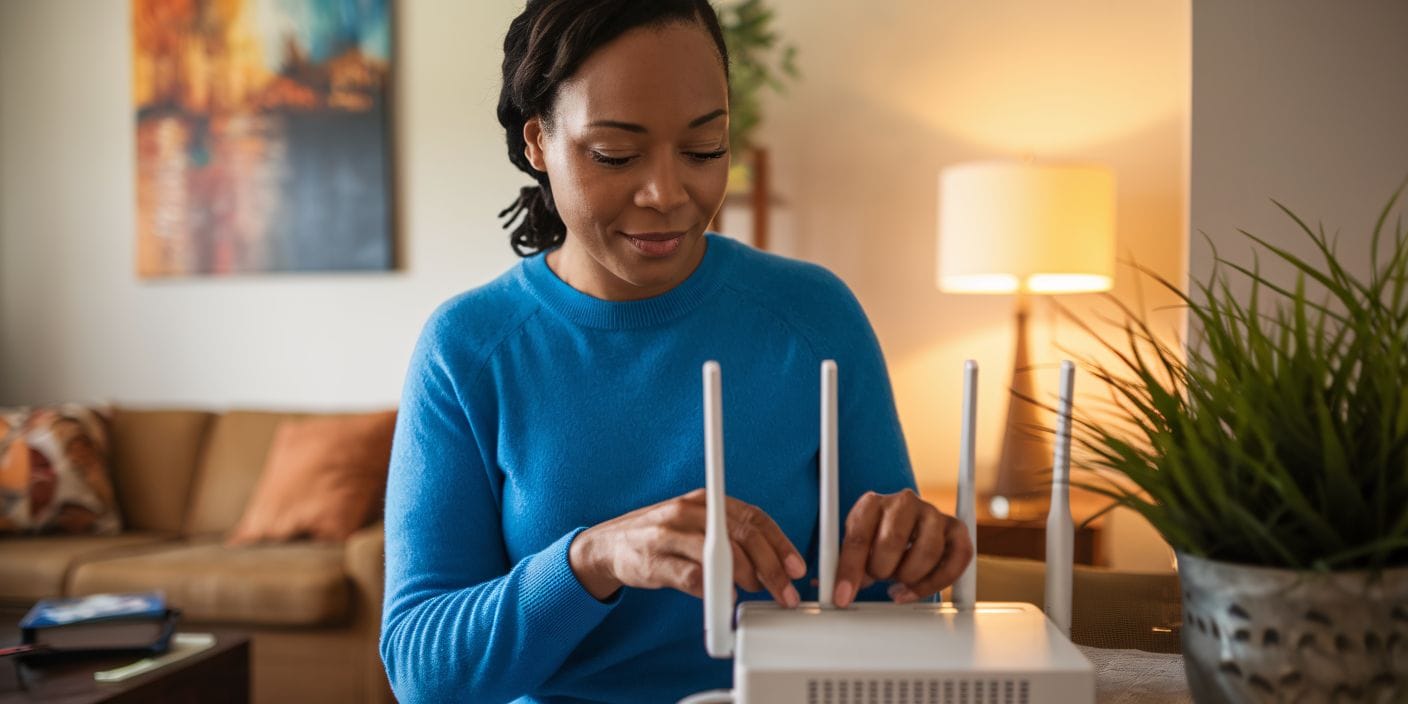
Experiencing slow or no internet can be frustrating, but before reaching out to our technical support team at D & P Communications, you can try a few simple troubleshooting steps to identify and possibly resolve the issue. Here is a guide to help you troubleshoot your home internet connection on your own:
-
Check Your Modem and Router
- Ensure Power Is On: Make sure both your modem and router are plugged in and powered on. Look for indicator lights—most devices have status lights that show connectivity.
- Restart Devices: Unplug the modem and router, wait about 30 seconds, then plug them back in. Wait a few minutes for the devices to reboot fully.
- Inspect Cables: Check all cables (power, Ethernet, coaxial) for damage or loose connections.
-
Confirm Device Connectivity
- Test Multiple Devices: Try connecting to the internet using different devices (laptop, smartphone, tablet). If only one device is affected, the issue might be device-specific.
- Use Ethernet if Possible: Connect your device directly to the modem with an Ethernet cable to determine if Wi-Fi is the problem.
-
Check Your Network Settings
- Wi-Fi Network: Ensure your device is connected to the correct Wi-Fi network and that Wi-Fi is enabled.
- Airplane Mode: Make sure airplane mode is off.
- Forget Network and Reconnect: Sometimes, removing the Wi-Fi network from your device and reconnecting can resolve issues.
-
Run a Speed Test
- Visit a website like Speedtest.net or Fast.com to check your current internet speed.
- Compare results with your plan’s advertised speeds. If significantly lower, there might be an issue.
-
Check for Outages or Maintenance
- Visit our D & P website or social media pages for outage notices or maintenance alerts in your area.
- We have outage maps or status pages you can check including D & P Communications- https://www.d-pcomm.com/service-outages/
-
Reset Your Network Settings
- On Windows: Go to Settings > Network & Internet > Status > Network reset.
- On Mac: Go to System Preferences > Network, select your Wi-Fi, and click “Assist me” or “Diagnostics.”
- On Mobile Devices: Reset network settings in your device’s Settings app.
-
Check for Interference
- Keep your router away from electronic devices like microwaves, cordless phones, or baby monitors that can interfere with Wi-Fi signals.
- Place your router in a central location in your home for better coverage.
-
Contact Us
- If you have tried all the above steps and still have issues, contact D & P Communications for support.
- Provide details about your troubleshooting steps and any error messages.
Troubleshooting your internet connection at home does not have to be overwhelming. By following these simple steps—checking your equipment, testing device connectivity, verifying settings, and running speed tests—you can often resolve common issues on your own. Taking a few minutes to go through this guide can save time and help pinpoint the root of the problem. However, if the issue persists after trying these steps, do not hesitate to reach out to D & P Communications. Our support team is ready to help you get back online as quickly as possible.