From a web browser, navigate to https://mail.cass.net
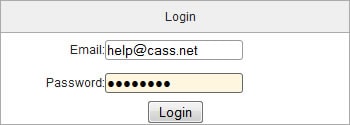
At the login screen, login with your full email address and password.
Once logged in, on the left hand side, click on ‘Manage Mailboxes’.
On the far right side, click the blue ‘New Mailbox’ button.
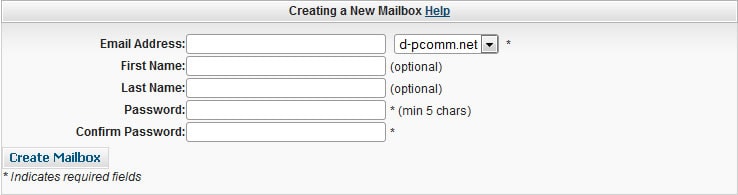
In the Email Address field, type in what you would like for your new address.
Then type in a password, and confirm the password in the box below.
Once finished, click the ‘Create Mailbox’ button.
See also: Tips for creating a strong password